01
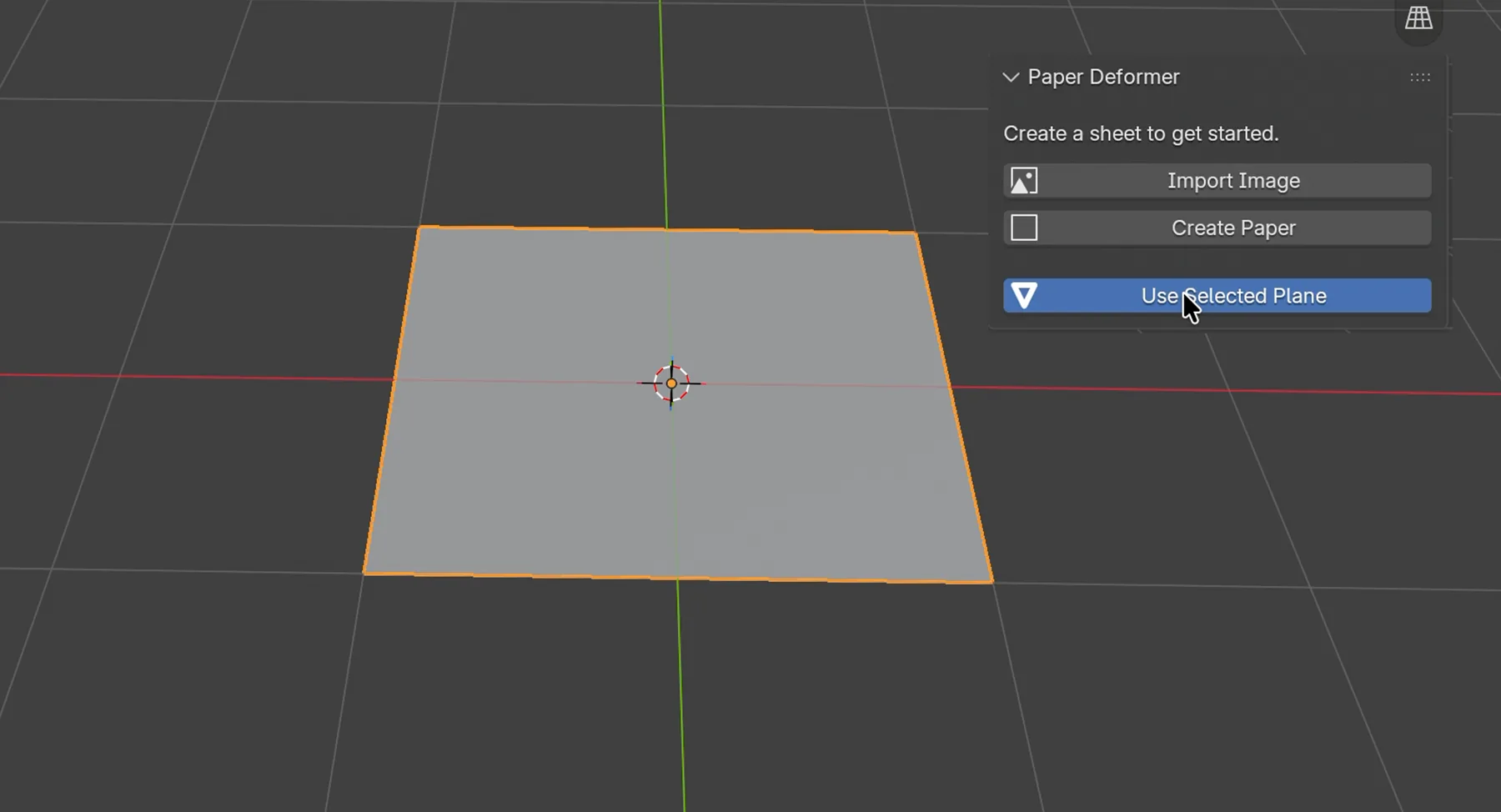
Start with a sheet.
Import an image or use a plane.

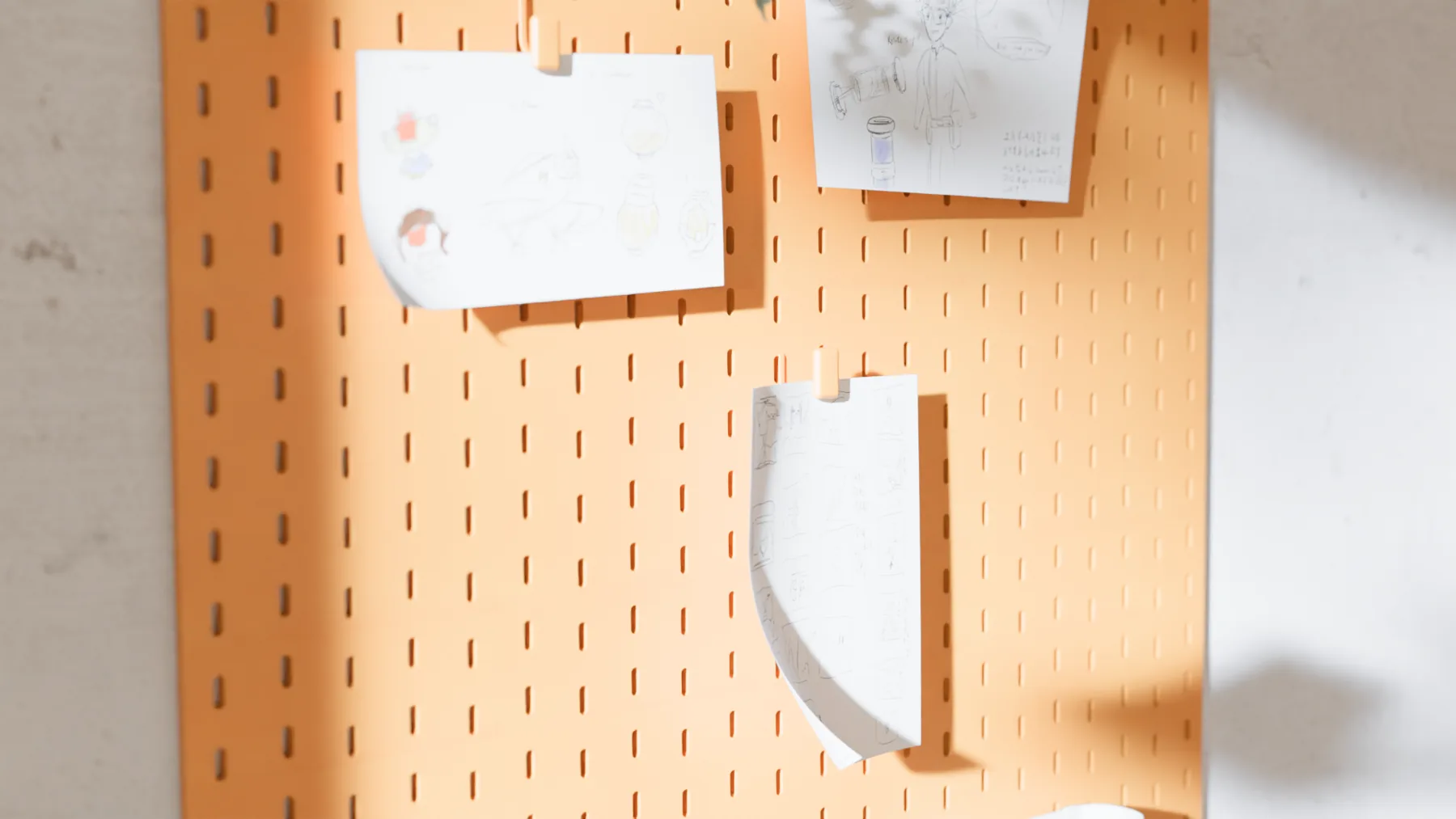
Import an image or use a plane.
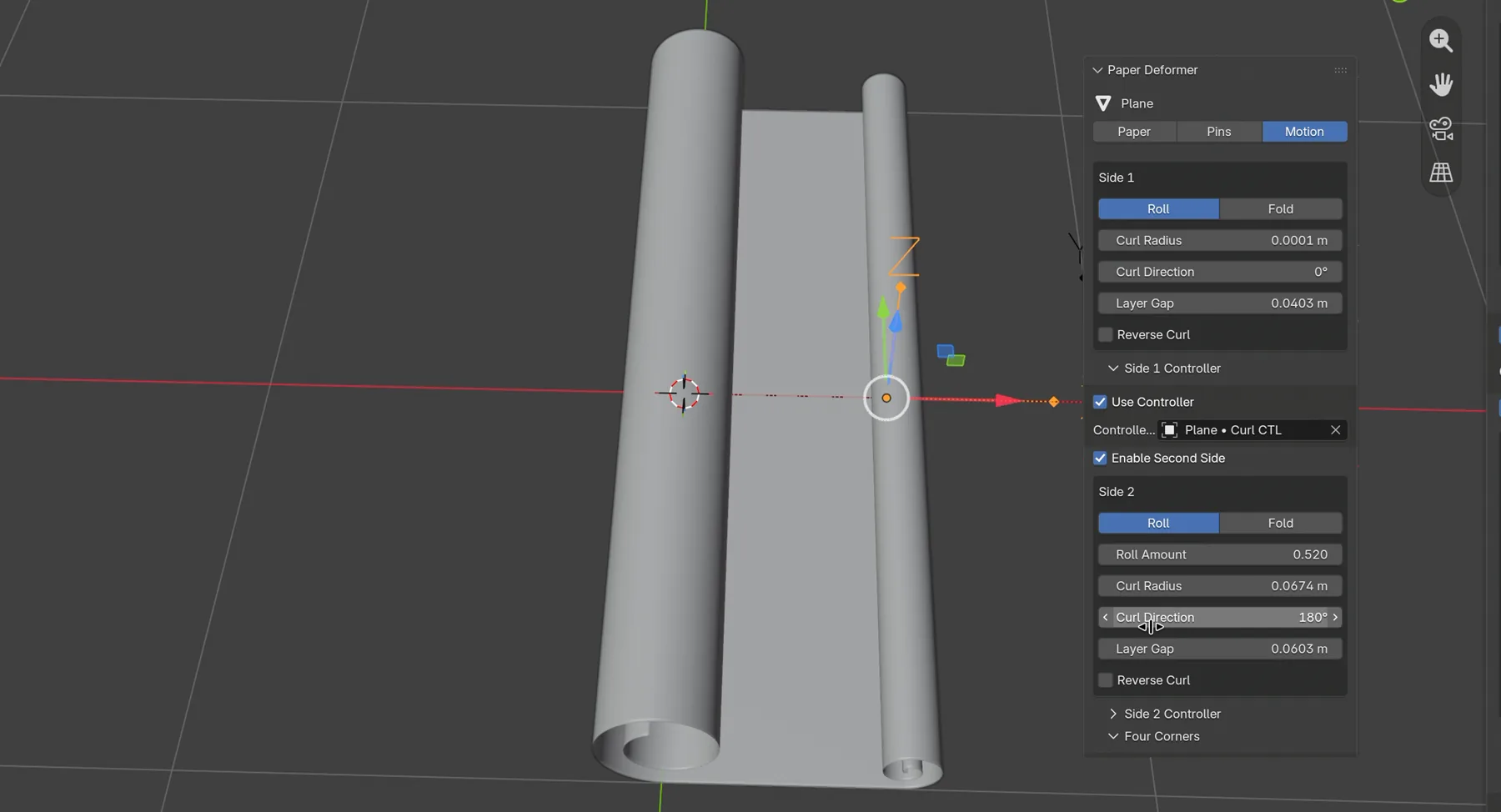
Roll, curl, flutter. Pin it in place.
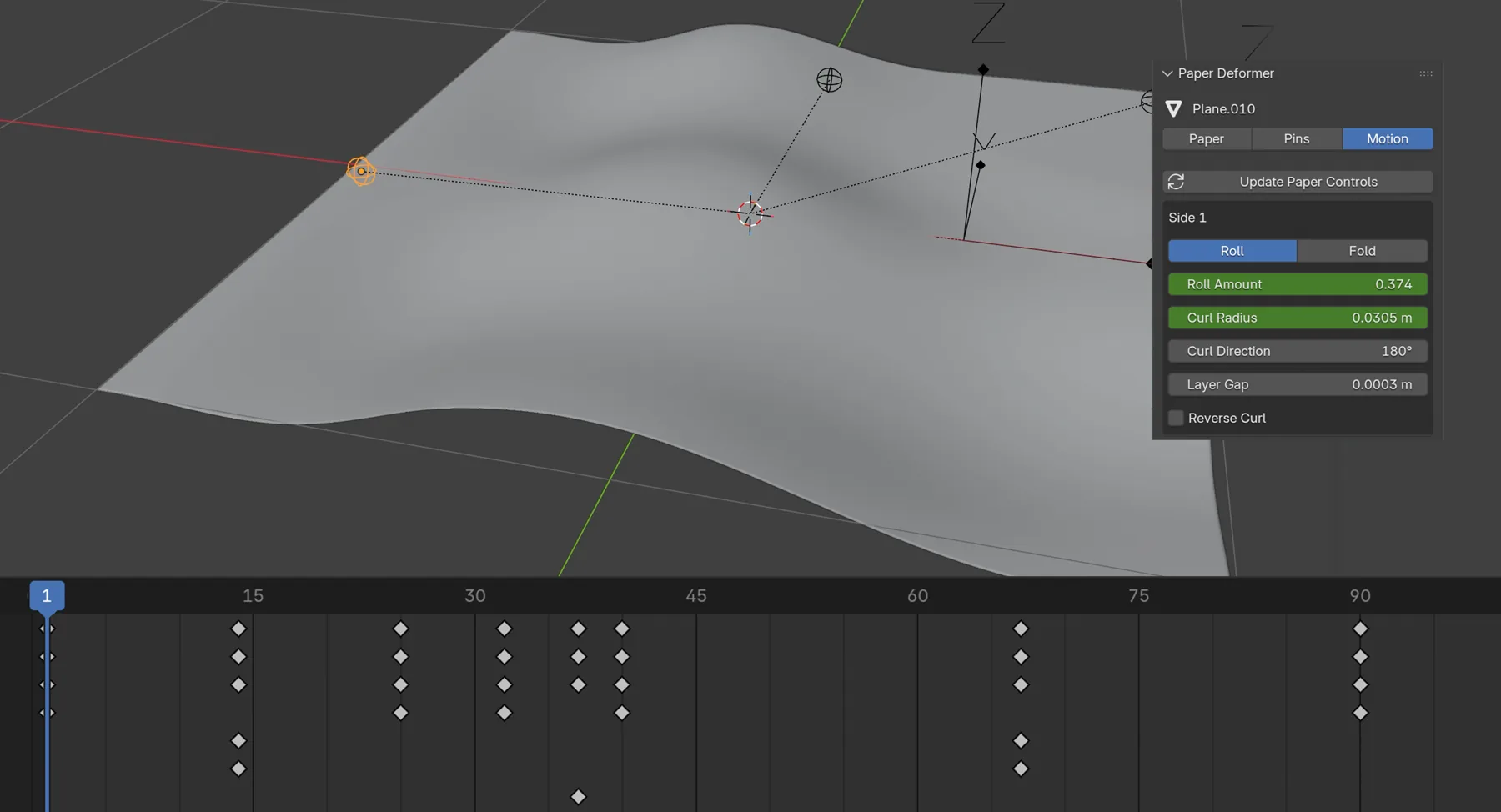
Keyframe your controls in Blender.
Download the ZIP from your order. Keep it zipped. Paper Deformer requires Blender 5.1 or later; validated environments are listed above.
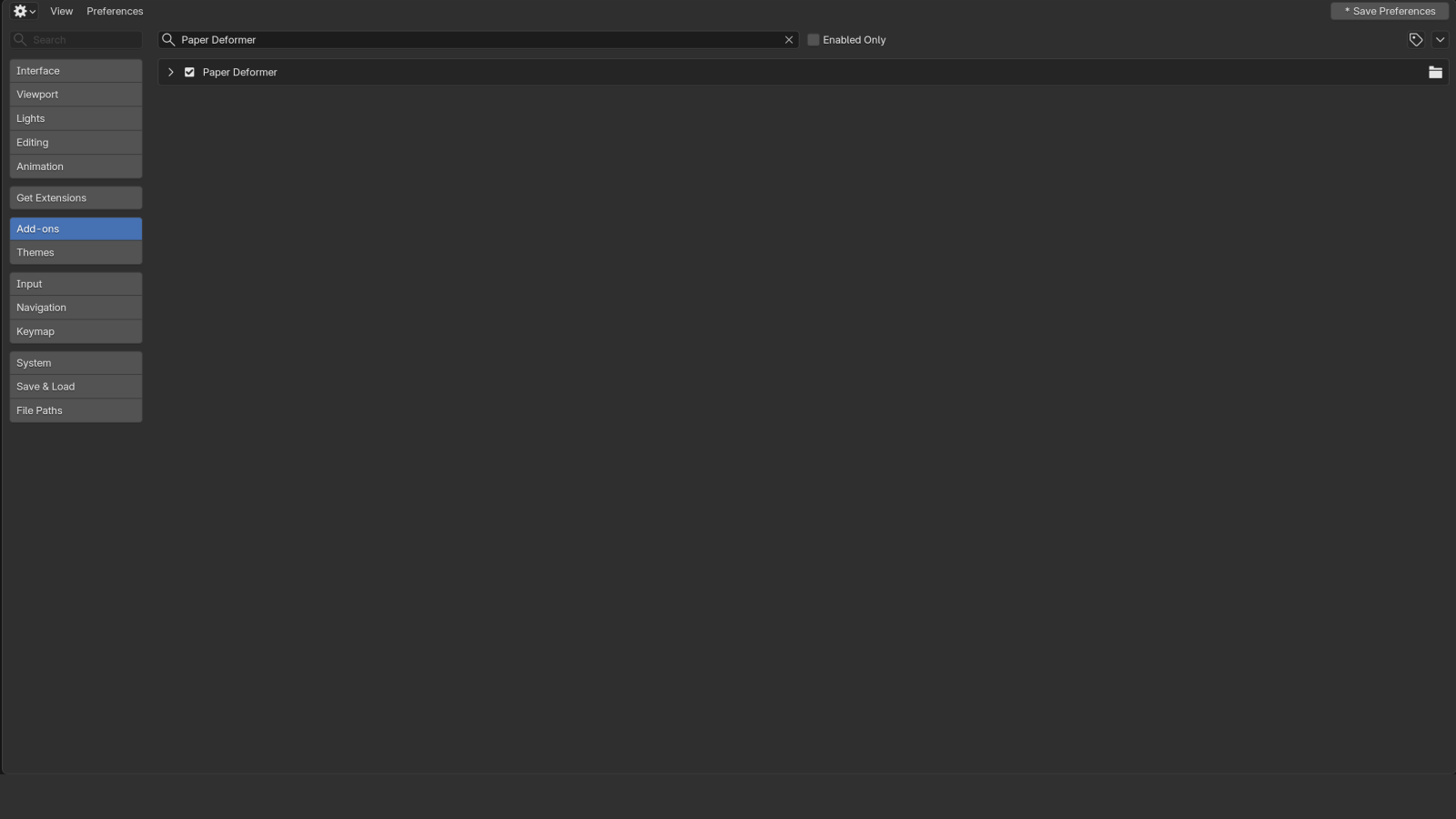
Go to Edit → Preferences → Add-ons. Open the menu at the top right and choose Install from Disk.
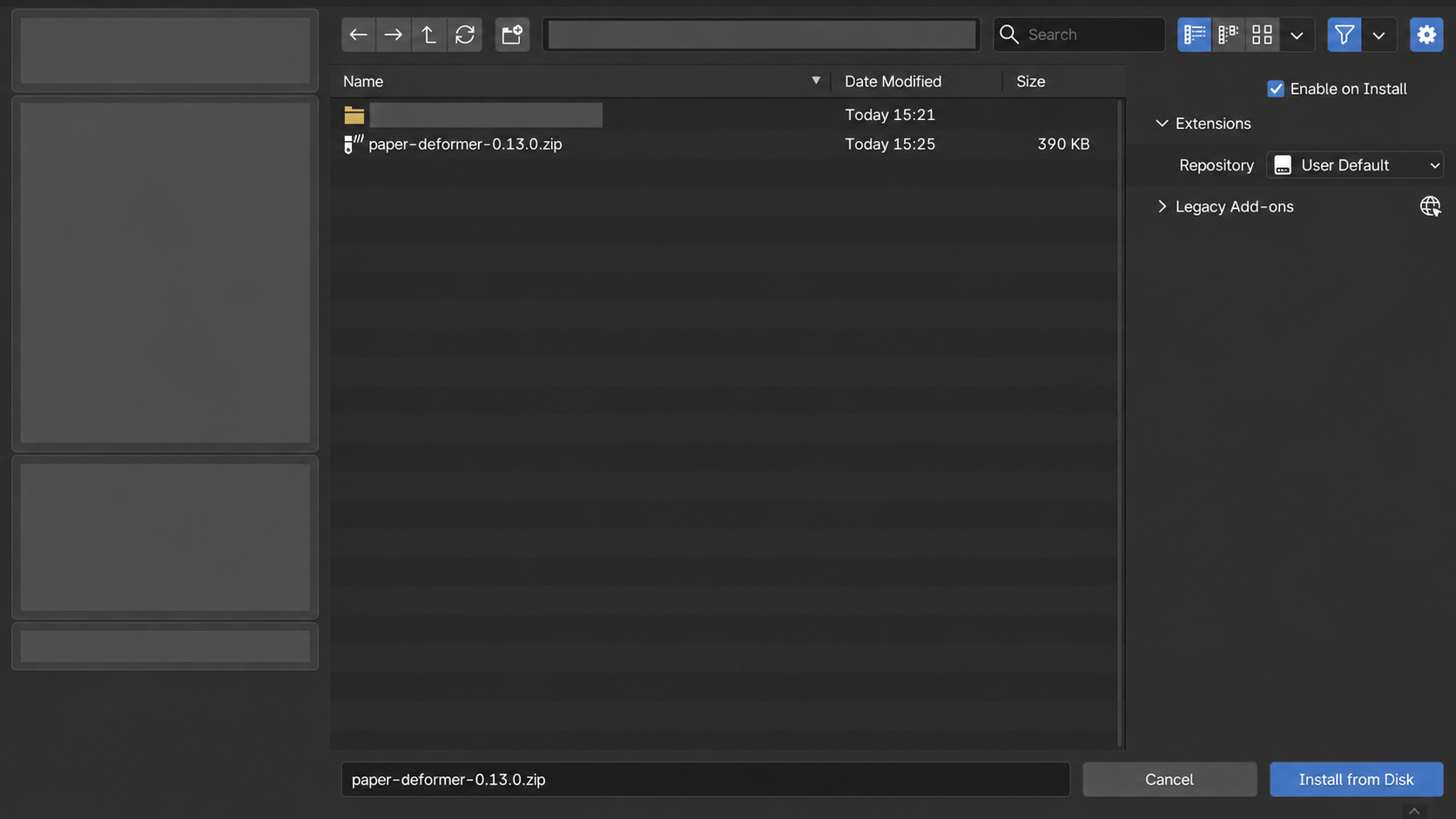
Choose the Paper Deformer ZIP and confirm installation. Enable the add-on if it is not already enabled.
In the 3D Viewport, press N and open the Paper tab. Choose Import Image, Create Paper or Use Selected Plane.
Restart Blender after replacing an older version. Save a backup of existing projects before upgrading. Click any screenshot to view it at full size.
Free & ProFind the controls for your animation. | Free Single-side paper rolls. $0USD · Free | Pro All paper and pin controls. |
|---|---|---|
| Import images & use planes | ✓ | ✓ |
| Single-side roll & curl | ✓ | ✓ |
| Radius & direction controls | ✓ | ✓ |
| Native Blender keyframes | ✓ | ✓ |
| Two-sided roll controls | — | ✓ |
| Four-corner controls | — | ✓ |
| Flutter & motion controllers | — | ✓ |
| Point & edge pins | — | ✓ |
| Free downloads of future Pro updates | — | ✓ |
| Get Free | Buy Pro · $6 |
Requires Blender 5.1 or later. Free 0.1.1 was tested on Blender 5.1 and 5.2 for macOS. Pro 0.16.0 was tested on Blender 5.2 for macOS. Windows and Linux have not been validated.
Procedural motion, with no simulation bake. Collision and self-collision are not included. Pro supports rolls and corner curls; right-angle folds and editable deformation order are not included in this release.
Yes. Animate your motion and pin controls with Blender’s native keyframes.
Match viewport and render subdivisions for pinned renders. Rebind after changing topology.
More questions? Email hansen60512@gmail.com.
Support & installationCreate crisp 90-degree bends for more defined paper shapes.
Further improve overlapping bends and deformation intersections. Current overlap smoothing does not prevent self-intersection.
Right-angle folds are planned. Further overlap improvements are under development; no release dates have been announced.
Build versions are verified against the installation packages. Your download access is managed by Lemon Squeezy; check the file version in your order.